Here is a short animation from the end of this semester, although not really focusing specifically on animation.
This one was for our digital animation class, learning and animating with either Flash or Toon Boom Harmony. I did the designs, builds, and animation. Think of it like the short you watch before watching a short. I think it's kind of funny, but mostly in a funny bad way :)
This next one was from storyboarding class. We all came up with our own story, did the boards, and then put them into animatic form. Really fun. Like doing a little short film without actually colouring or animating. Some things I would change to make the story clearer, but hopefully it mostly makes sense. I drew everything digitally which made the animatic easier, but certainly not easy (camera moves - i'm looking at you). They both have sound so crank up your speakers!
Here are a couple animation assignments. I spent a decent amount of time on the panther assignment and was kind of "meh" on the results. I think it was because I was moving him around without really thinking about why or how he would move around. It was the first assignment of the semester so I'll cut myself some slack.
Pink Panther had to lift a heavy weight and then toss it onto a teeter totter. He gets a little off model, but I did manage to clean up a few poses reasonably well which helps.
We are using paper more so far this semester which is cool. It's nice to be using both digital and traditional techniques, but there is just something nice about the feel of paper.
Having said that, this next one was all digital haha. I did thumbnail out some ideas on paper first, but then jumped right into the poses. This was an in-class assignment of figuring our poses for Robin Hood. It was great to be thinking about the acting as well as just the action. The emphasis was more on NOT making it to busy.
Here are two different takes. They are the same except for the final poses.
And the second
My first attempt had the first end pose and then the second end pose, but it was too busy. So I simplified it down to one end pose but tried it out with each of the different poses. I think the first take is probably the stronger in that he is sad, but not SAD.
Here are my last two animation assignments for the semester
This one had to have some dialogue and then an animal leaping through a flaming hoop into a pool. I like the acting at the beginning and flame cycle worked out alright.
This one was a dialogue assignment in a limited animation style. I like the timing here.
Alright, here are some quadruped animations. These were all drawn digitally, which seems easier to get the movement, but harder to get the line. The lines are getting better though. Just takes a little getting used to.
A walk exercise.
A walk cycle
A practice exercise involving perspective and a turn.
A walk jump turn perspective combo. This one was fun because I figured out how to use one of my layout backgrounds.
This one was a group animation to practice the animation pipeline. We each did each part, but then passed it on to another person. So I did the poses on one, the keys and timing on another, the clean-up on one, and then the in-betweening on another. A good warm-up assignment after the break :)
We've been doing special effects the last couple weeks. Here are a few examples. This one is a flag. It's a cycle if repeat works.
Splash!
I thought the smoke and sparkle of a magic lamp would be cool to try. It was fun doing the last two directly on the computer - well interesting and sometimes fun. Some things are definitely easier on the computer, while other things will take a little practice.
Alright, here's a bit of everything to finish up first semester. I've got a bit of life drawing, an animation, and even some design work.
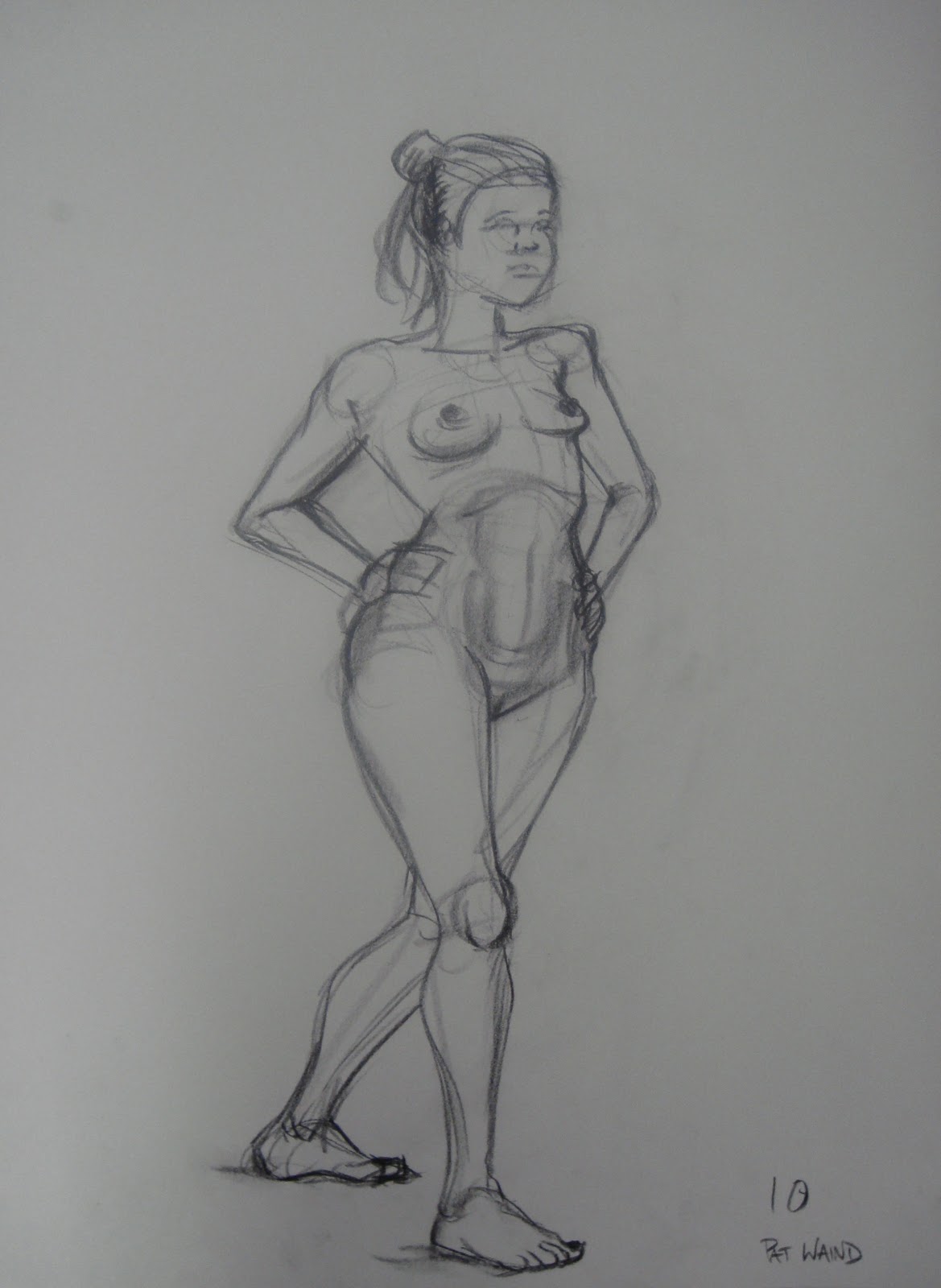
We had to pick our "10 Best" life drawings from the semester. Tough to pick out, but I'm pretty happy with what I went with. Also felt nice that the majority of the drawings were fairly recent. I tried to show a mix of 1-10 minute poses. Most of these I've had up on here before.
The one on the left. Like the volumes on the arms and shoulders.
Super simplified, but I like it.
Like the perspective and shapes.
Some alright contours.
Some weight to it.
Like the lean.
The left one.
Getting better at structure and contours.
This is a new one. This one came out pretty well. Kind of loose, but with structure. Eep! Just realized she totally has two left feet though...Oops?
Felt like throwing a longer pose in.
Alright here is the last animation assignment of the year.
It's one character morphing into another, then jumping around for five seconds or so. We picked the music clip from a list, but recorded our own morph sounds.
And here is a link to our group design project. I worked with Kelli and Alex on this one.
We worked in groups of three to come up with a back story and model pack for three characters. I focused mostly on Voland, the little animal dude. He was fun, despite figuring out the mouth chart for the muzzle.
Now it's time to enjoy sleeping in for a few days before the new year. First semester was great though!
This one took a while...but was fun to do. Getting the motion right (or as close as I could, to what I wanted) actually took a lot more time than syncing up the mouth.
I like the pull back into the punch, and the punch itself. Bringing his hand back is ok. I think I could improve the finger wag part, and also make it so he doesn't slide around at the end. Next time :)
Here are a few projects from the last week or so...
This one is practicing a walk with perspective. The character is sort of based on Tom from Tom and Jerry.
Here is a walk cycle, also with "Tom". The timing is pretty boring, but the cycle was fun to practice.
This was my second attempt at a cycle. I used this for the weekly walk blog that our class has started. Each week someone posts a topic for anyone interested to base a walk on. This topic was "Bouncer". I figured a bouncer could walk like a gorilla pretty easily. It was interesting finding the equivalent human walk keys in a gorilla walk
This is the most recent animation assignment. The Pink Panther walks across the screen, performs a turn without stopping, walks into the background, turns around, then runs back into the foreground. I varied the timing more with this walk, his tail was fun to animate. I tried to get some more overlap in there, things like his hands trailing or his head dragging a bit.
These next pics are from design class.
Here is the rough after several iterations...
...and here is the cleaned up version. First attempt at really cleaning up a drawing.
The assignment was to come up with a character that would fit into the Winnie the Pooh universe. We looked at existing characters and tried to design an original character that still had some of the traits of the existing characters. It was fun. I'm definitely going to do more studying of the model sheets I found.. I never really noticed that there are two types of animals in Winnie the Pooh: real and toy-like. Owl and Rabbit are both "real", with fur and full eyes. Pooh and Eeyore are examples of "toy" characters with stitching and rounded hands and feet.
I went with a "real" bird, a cardinal that likes to stir things up a bit. He's a lot smaller than Owl, but thinks he's rather large. I imagine he's often pretending to be a pirate or knight. I like the character. I'll probably try to get a few more poses or expressions for him at some point, or possibly colour him. Cardinals are pretty awesome looking birds; they have that nice crest and a stylish beard/gotee.
This is a two-wheeled vehicle that has the ability to travel on land as well as fly. It's meant for Pink Panther to ride. I liked the idea of a mini-blimp attached to a stylish bike.
Animation Assignment: "Stich" gets up from his back, gets hit on the head, falls over.
Came out alright. It's tough to think of how Stich would do things because he has super short legs. I like some of the timing though. It's rough, but the focus was on movement and timing.
This is one of my first attempts to animate with TVPaint. It's like drawing on paper, but there is no paper involved. It's all done on the computer. I think I'll like it once I spend some more time with it.
It's a character with "roughly" Stich proportions. He jumps, bounces, then lands...but in HD!
I took a digital animation course this summer. I knew that I would be starting the animation program at Capilano in the fall, and was hoping the summer course would give me an idea of whether I wanted to focus on digital animation for the third year of the program. Here's some of the stuff I did, and a bit about the program. And in case you're thinking about maybe taking the course, hopefully Google will have helped you out by finding this line...
Capilano University computer animation and visual effects review
or maybe this one...
Capilano University computer animation and visual effects opinion
The course was two months long, from the beginning of July to the end of August. The days were pretty long, usually from 9:30-4:30 with an hour for lunch, and then often working for an hour or two after class was over. It felt like about a semester's worth of work done in half the time. I liked how intense the program was, but if you're trying to plan a lot of other summer stuff as well, it could be a bit rough.
Each week was roughly 2 days of animating, 2 days of modeling, and 1 day of traditional design. Mixed in with that were some effects demos, other digital stuff, and a bit of sculpting.
The lab set-up was pretty sweet, I had my own computer for the summer, complete with one normal monitor and one Cintiq tablet.
I learned a lot and enjoyed the program. The teachers knew their stuff. Here's a link to the school's site if you want any more info.
Now keep in mind, I'm not saying that what I'm about to show you is good animating or modeling haha...but for 2 months with no prior experience in 3D it's (hopefully) not that bad.
This was our first introduction to the Morphy character rig. I somehow got his feet twisted 180 to the rest of his body and then let the computer magically "fix" things in mid air.
A nice creepy/awkward walk cycle.
A less creepy/awkward run cycle.
Some simple modeling and rough poses inspired by the TV show Wipeout (there are some amazing YouTube clips out there - definitely fun referencing this one).
We also built some simple rigs, and did some physics engine and effects stuff.
Here's some pics of some models I built in Maya.
An octopus speed model.
A cheetah speed model. Ferocious yes?
I kind of like this one. Hand painted textures.
Here's the door without texturing.
Hand model without and with smoothing.
I started building this scene (inspired by the PS2 game Jak and Daxter), but decided to focus on animation for my final project instead.
I posted these two vids before, but here they are again.
This was a nice step up from my earlier Morphy stuff. I got a second character in there, used a constraint on the ball, a deformer on the mesh, and had a few different things animating at once.
This one was fun to do. Tried to have him give a bit of a performance.
Oh ya, I almost forgot about some of the design stuff. We were drawing on the tablet every design class except the first one. It took a little getting used to, but was definitely nice for some things.
The tablet was nice for tracing over existing model sheets.
We started by sketching the basic shapes of some characters, then created poses for them.
Some concept scribbles for designing a character.
Some poses for character. Those diving helmets are pretty cool. Digital inking is tricky.
This assignment was fun: take an existing fairy tale, then come up with different settings for it. I did some rough scribbles for Jack and the Beanstalk characters.
Jungle setting, and more ideas to test out.
Greek/Roman setting. In order of Giant, Jack, Giant's wife, Jack's mom, Jack's lady-friend
It was fun trying out new ideas, even though the first one could have worked.
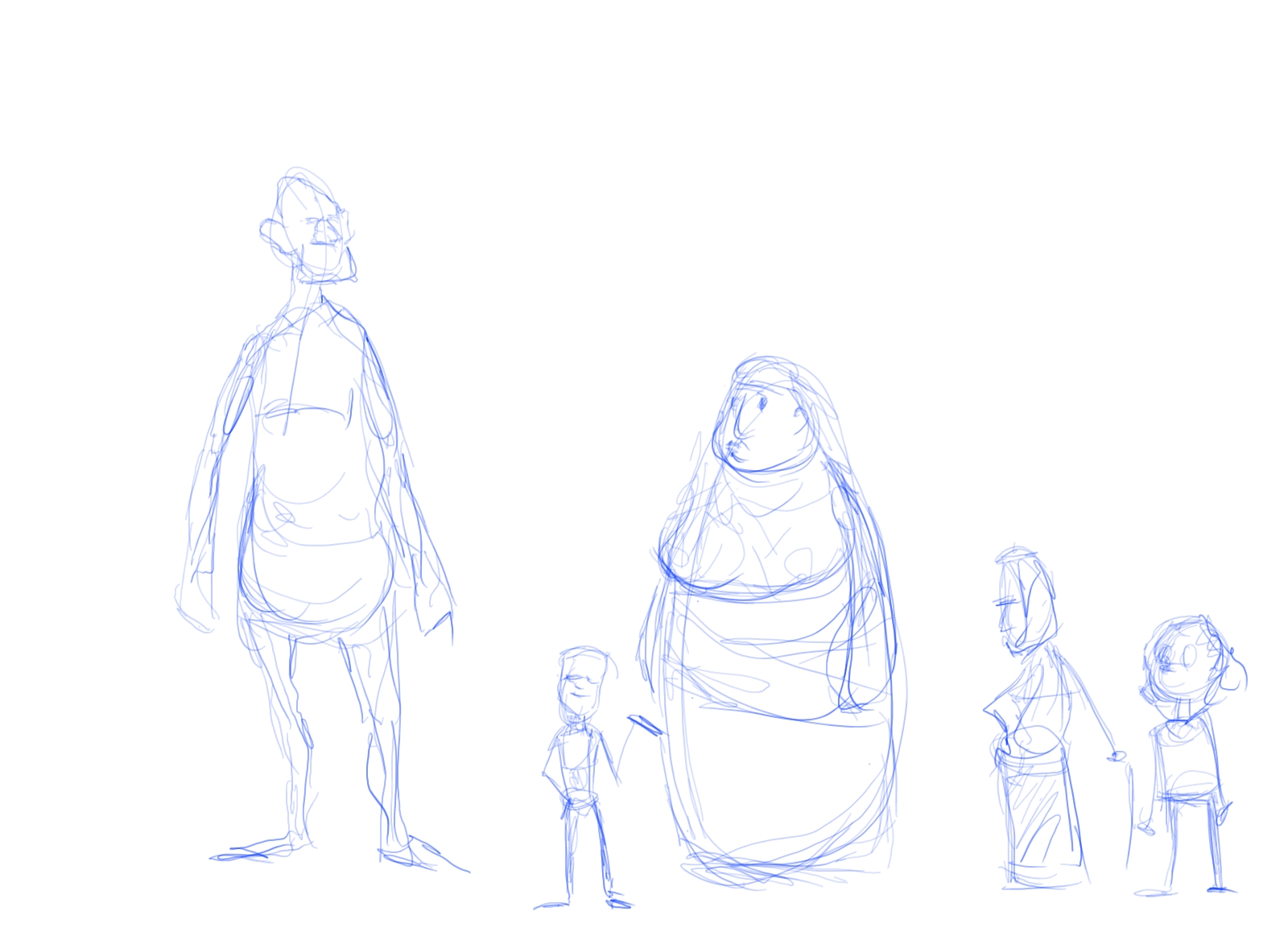
This was the last one I came up with, and it ended up as my fav. The giant is kind of a Sasquatch-yet-beast. The setting was loosely based on northern Canada, with the idea of spirits and wild monsters - or something like that. I figured that the Giant's wife could shape shift between a bear and spirit that kind of looks like a mix between a female genie and a character from (I think) He-man.
Cleaned-up version of three of the characters, complete with first attempt at digital colouring.
A nice awkward rotation of Jack.
Rough sketches inspired by the yeti-monster.
Turn-around of yet-monster, and colour explorations. This was for a character sculpt that I haven't quite finished. Well I sort of finished it, I just haven't baked it in the oven yet because I want to tweak it a bit. I'll post that up later. Since this post is already ridiculously long.
So that's some of what I did during the summer course.
Here are some Flour Sac animations from this week.
This is a rough one. Just a jump with a twist in the air. The twist is a little hard to see.
This is a cleaned up version of the jump and twist. Twist is still kind of hard to see.
This one is cooler: three jumps and a landing on a spring. The focus of the spring is finding where the S curve happens, and getting a feeling of weight to the motion. This one is still in progress, but I like the motion of the spring so far. The spring might be a little slow though. Thoughts?
This was our first assignment where we were introduced to drawing, flipping, and shooting our animation. It's called an Anijam (short for animation jam I think). The first and last frame had to be of the box. That way we could link everyone's animation together into a short montage. The emphasis was on playing with motion and timing, which fit nicely with my super rough scribbly style :)
Yes I realize he kind of floats around a little bit. Maybe next time I'll draw some ground for him to stand on.
This one is (obviously [hopefully]) a ball with one leg jumping. The ball had to jump and land in specific places which meant I had to do some planning and keys. Each jump also had to be bigger. The character reminds me a lot of the little Pixar lamp, you know the one that jumps around and then blinds you at the beginning of the movie?
The hardest part of this assignment was keeping the character consistent. It's hard to look at just a single frame and see if something is off. I had to keep comparing sizes of the leg and foot.
They were both a lot of fun to do. I liked that we could keep them somewhat rough and focus on getting the movement right.
Here's another Maya animation. This one is a fair bit longer than the first, though still really not that long. It's exaggerated but that's what I was going for. Kind of like he's putting on a show.
This one was a little different than the first animation, in that I had to get two hands on there (with the basketball, only one hand actually controls the ball). I was probably working on this for around a week, and I got better as I went a long. The initial bit with his hand scratching his head, then throwing his arms out feels a bit stiff. I improved it a bit, but it's tough it was touch to fiddle with too much because everything after could be affected.
I like how his hands shift as he lifts the box.
I tried to get it to feel like his leg helps lift the box up.
I think the box looks decently heavy as he takes a couple steps and drops it on the table.
If I do another animation I'll probably try to plan it out a little better ahead of time. Maybe shoot some reference and plan the camera angle out ahead of time. On this one I animated everything like it could be seen from every angle, so both his hands do separate things. If I had known what the final view would be, I could have probably saved some time by focusing more on what would be seen from that view.
It was fun though. I'd also like to try messing around with the facial expression next time. On this one I just focused on the motion and left the face alone.
Here are a couple views of my basketball animation. It's the same animation just from different angles.
I did this as part of the summer course I just finished at Capilano University. The character is an existing model that's all set up to animate. The character rig is called Morphy. A lot of student animations use it. It took a little bit of getting used to, but I was starting to get the hang of it.
Picking up the ball was both easier and harder than it might look. It took a bit of work to get some commands set up so that once he picks up the ball it "sticks" to his hand, but once that was set up the hand and ball remained together until the shot release.
The net was kind of tricky to. For just a few frames of animation it required some controls called deformers (I think) to be placed on it. Something like this would have been much easier to do traditionally I think. The mesh is actually a cylinder with the top and bottom cut off, then with the bottom shrunk, then with a texture applied that was transparent except for where the mesh was.
I added the second character after setting up the controls for having the ball attach to the first guy's hands, so ended up having to move the ball and hands manually, which took some time.
It was fun to do though. The ball ended up feeling pretty close to the way I thought it should. The ball is animated too, I didn't add gravity to the scene and then use a physics model or anything like that.
Maya is the program I used, and you can actually manipulate the individual curves for each attribute (like location in x,y,z and rotation in x,y,z). So there is actually a lot of behind the scenes physics stuff to think about. Like the vertical movement of the ball is in the y direction, and it's an arc. If I flatten out the curve at the top, then the ball hangs a little longer. If the curve is pointier, then the ball changes direction much faster.
There are so many little things that can be tweaked that it's tough to be "done". But I'm done with it for now. A lot of work for 6 seconds though haha, so watch it twice.